Quick start
From install to a sent report in four moves.
- Create your account. One line of business details and you're in.
- Start a job. Who, where, what — three lines.
- Add evidence as you work. Photos, typed lines, voice notes.
- Write the report. One tap drafts it; check, edit, export as PDF or Word.
The screens
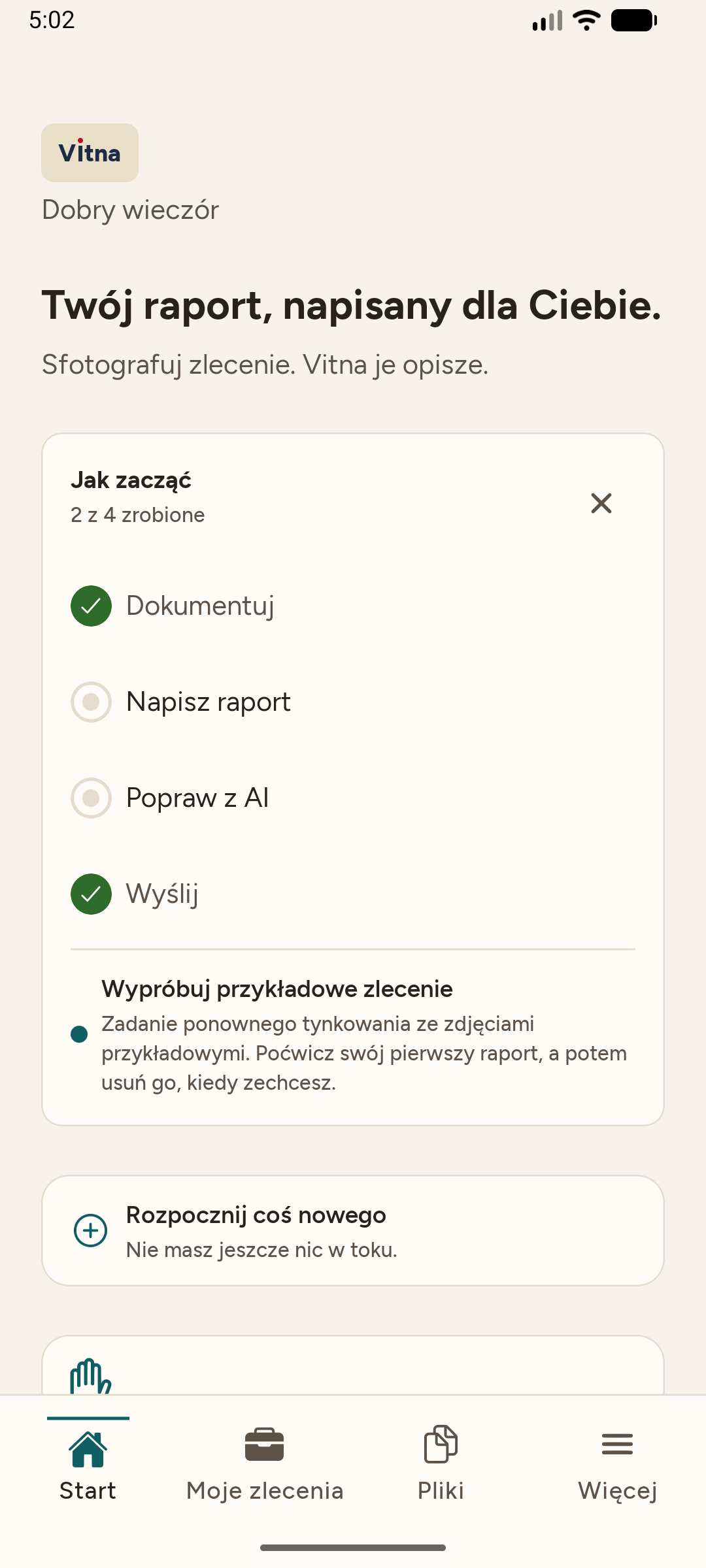
Your report, written for you
The whole app speaks Polish — the report can still go out in the customer's language.
Start something new
Start a job in three lines: who, where, what.
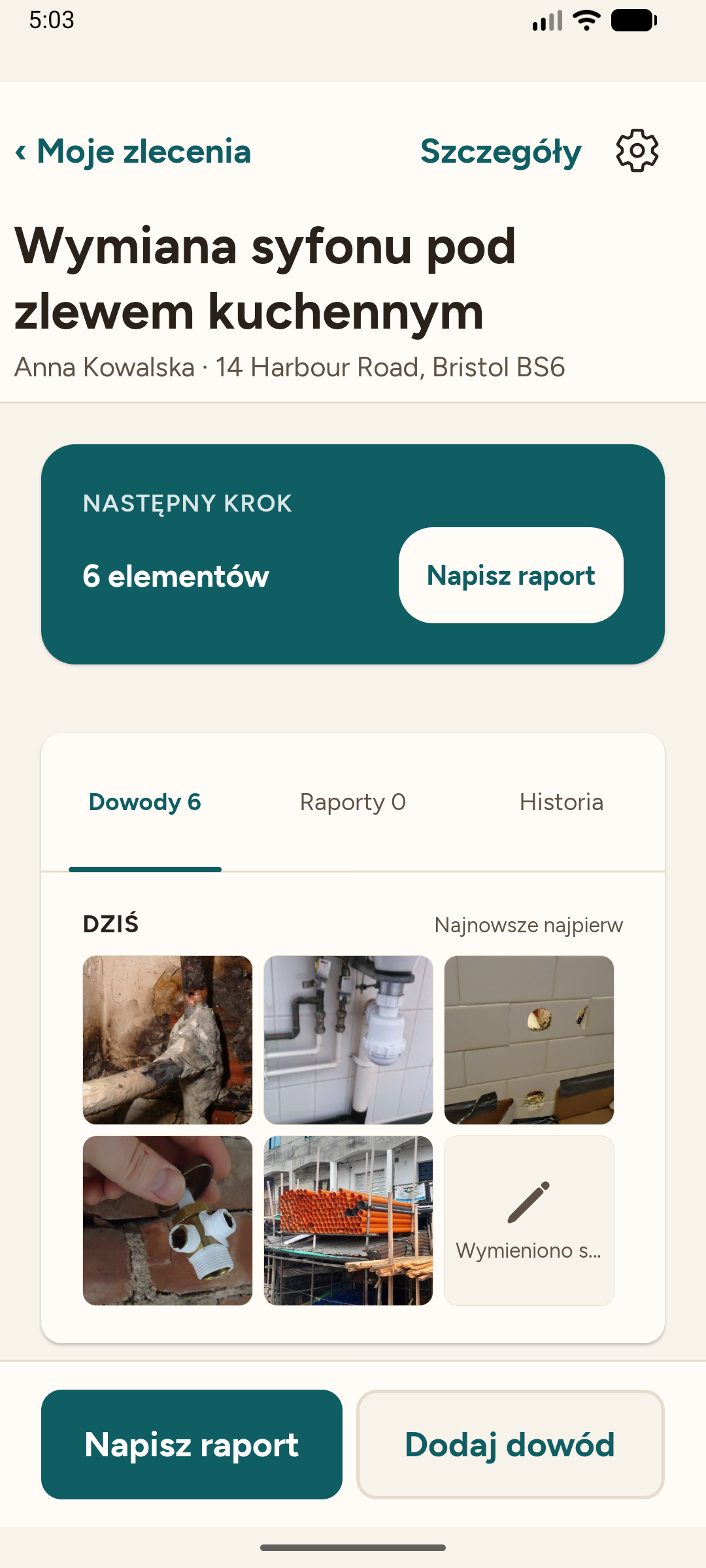
The job
Who, where, what — Anna's kitchen sink siphon, in Polish.
Next step
Six evidence items on the job — one tap writes the report.
The evidence
Photos and the dictated note land straight on the job.
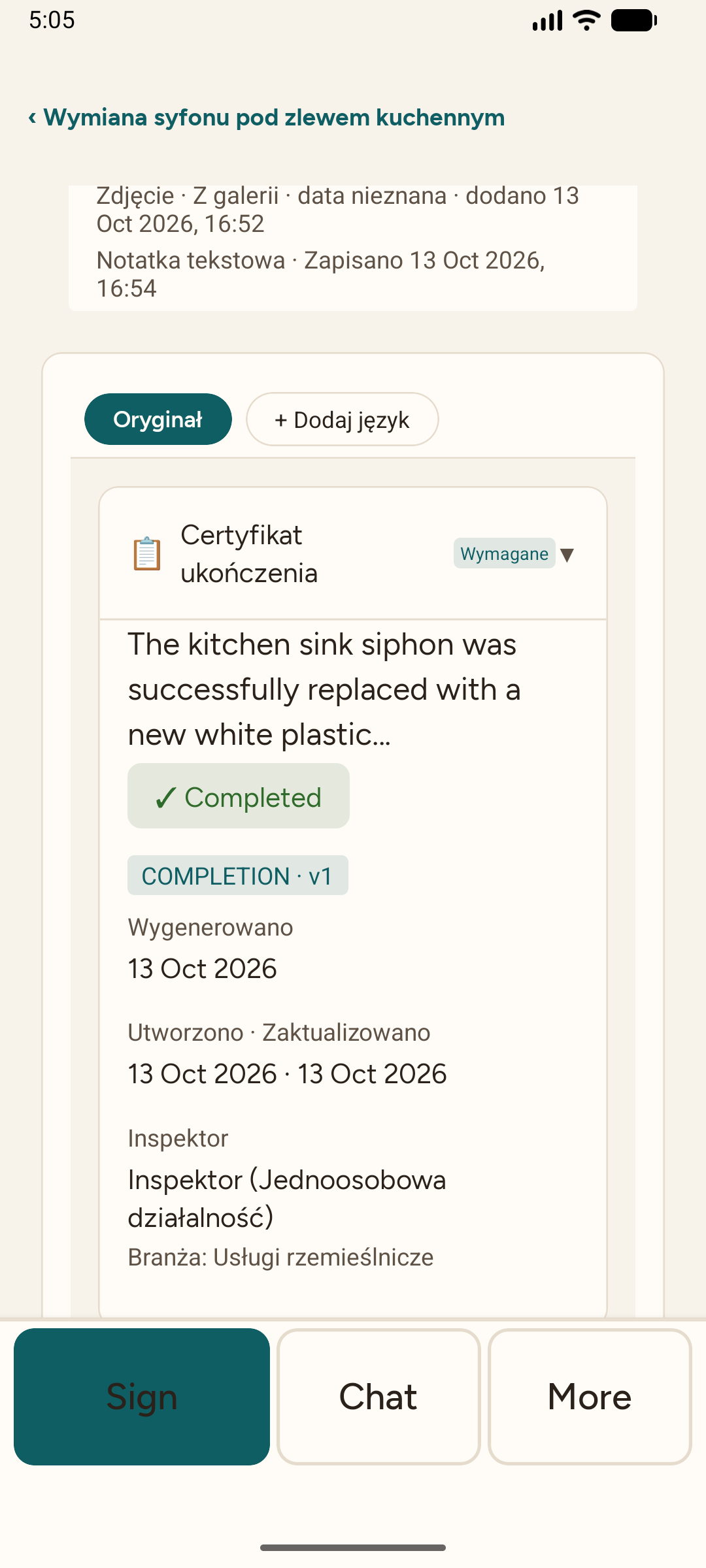
Polish app, English document
The report reads in English for the customer — the app stays in Polish. Check and edit anything.
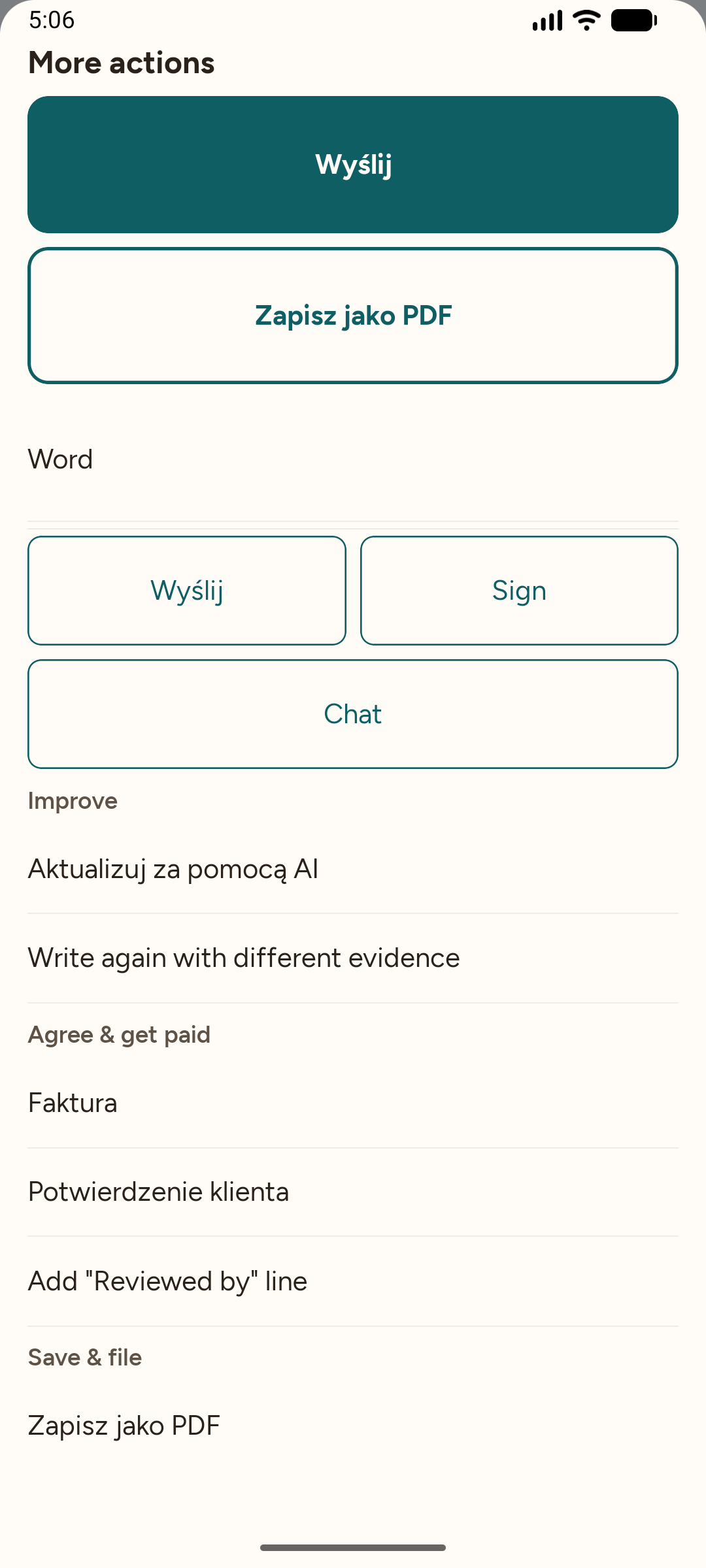
Send / PDF / Word
Export as PDF or Word, or send — in your customer's language.
Tips
- Photograph more than you think you need — the report uses what you select, and counts what it prints.
- Speak your notes; the draft writes them into the right section.
- Pick the customer's language before you export — the whole document follows it.